
April is Child Abuse Prevention Month

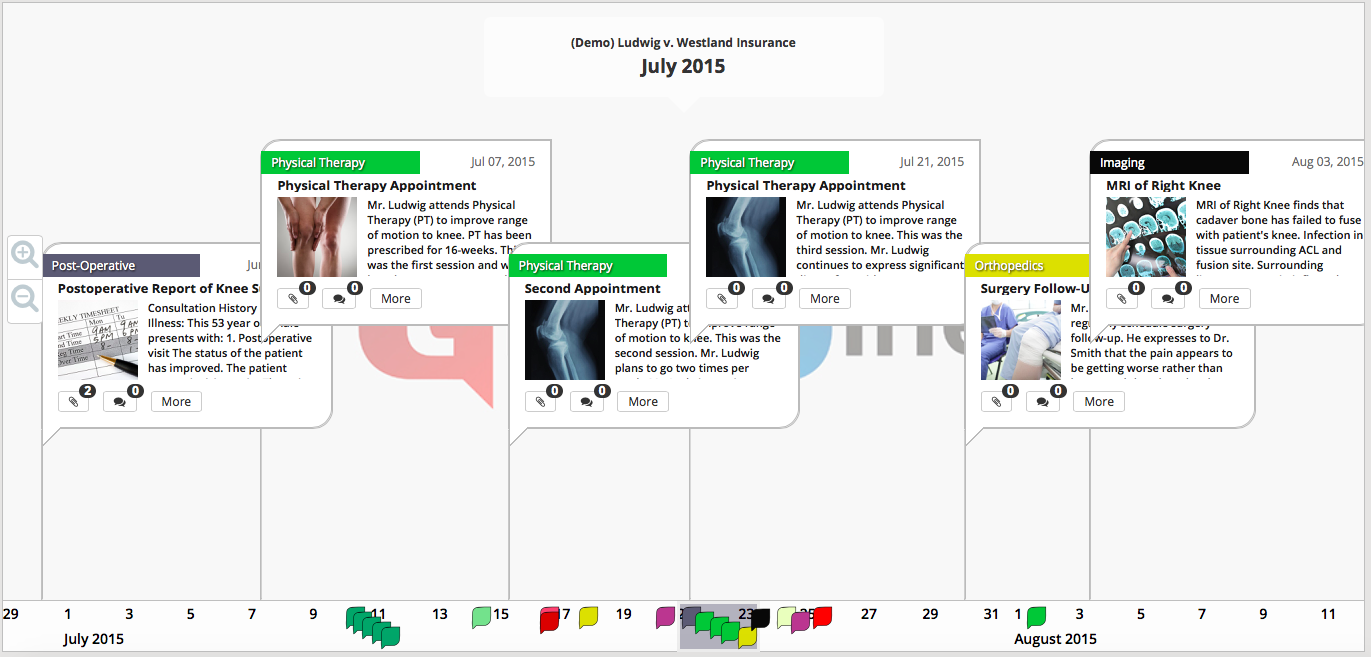
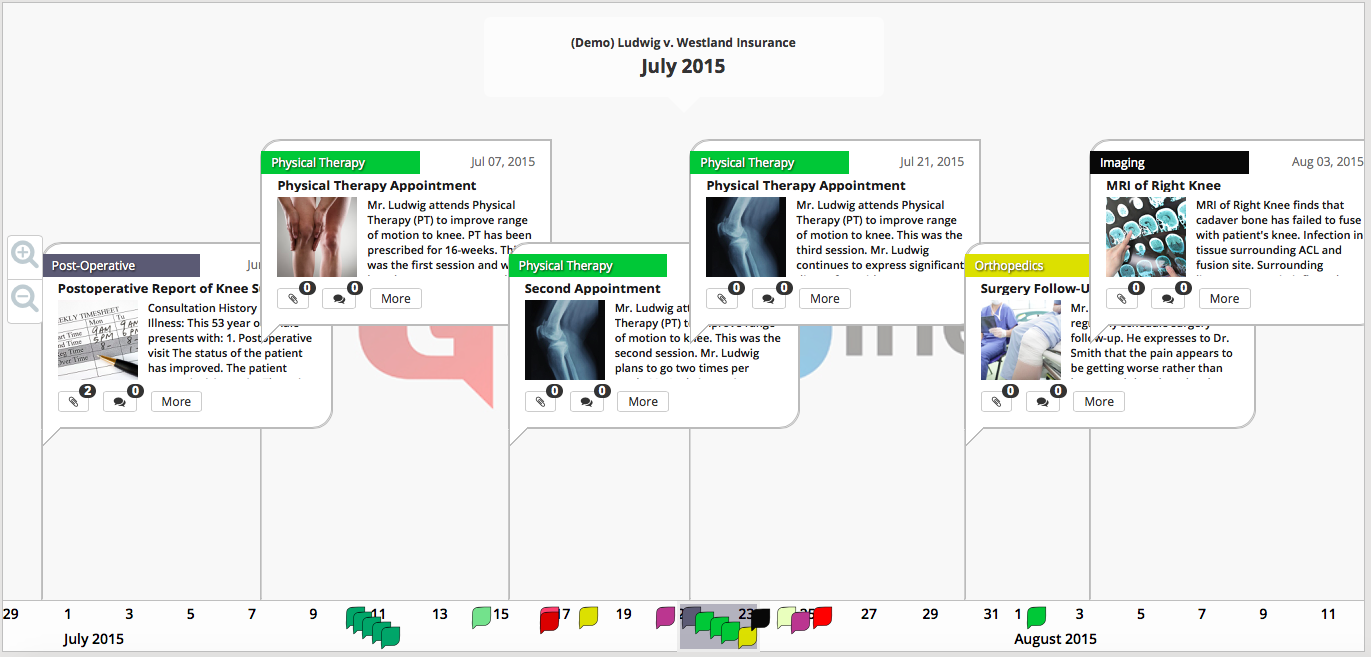
TrialLine is a web-based timeline software that can be used by attorneys, social workers, and other professionals to manage cases involving abuse, including those that involve children.
Each year, the American Bar Association hosts an annual TechShow that draws legal tech companies, attorneys, and other legal professionals from around the country to meet, network and learn about some of the newest developments and tools in the legal tech industry.
The ABA TechShow is held in Chicago each spring, and for the third year in a row it will host a pitch competition featuring 15 promising legal tech startups, organized by lawyer and legal tech expert, Robert Ambrogi. Numerous submissions for possible contenders were made to Ambrogi’s Law Sites Blog this past October. From all the entries received, a panel of judges whittled down the submissions to their favorite 25. Then the 15 entries from that group that garnered the most votes, were chosen to be a part of the American Bar Association’s Annual TechShow Start-Up Alley, and the pitch competition.
Trial is coming up. Your case file contains hundreds of pages of documents and thousands of facts. It’s an overwhelming amount of information to organize and present. TrialLine, the superior timeline software for law firms, is the perfect vehicle to organize this information. But, where do you start? At TrialLine, we understand that your case timeline doesn’t start with an eye-catching design, it starts with the facts.
You may have heard of legal timeline software before, but aren’t certain whether it is the right kind of tool for you and your law firm. Attorneys quite often create legal chronologies of events based on facts or documents. These legal timelines are then typically used in opening statements, settlement conferences, or simply as a method of analyzing the case. Trial teams will often use one of the many legal timeline tools available on the market to create these chronologies, not realizing that many of these programs often have surprisingly few features, and almost no options for customization. This can lead to boring, difficult to understand timelines that are ineffective at capturing attention, much less at communicating important facts and details.
If you are like most attorneys, then you eat, breathe and sleep facts. In fact, many non-attorneys are surprised by the level of thoroughness displayed by lawyers when they investigate a case. Facts are the backbone of any litigated case, and witnesses may have a plethora of facts which you must keep organized, and use wisely to try and ensure a positive outcome for the case. Aside from facts derived from witnesses, you probably also have subpoenas, written discovery requests, various types of documents, specialized investigative tools and online research to make sense of. Connect it all with the trial timeline software made specifically for attorneys by TrialLine.
Because people tend to process facts much better when they are presented visually, legal presentation strategies play an important role in determining the outcome of a case. Add to that the fact that litigators need an easier way to put a case together, clearly outlining a logical timeline of the events involved in a particular case, and you have a strong argument for using lawyer timeline software. Having a clear and properly constructed timeline available for a case allows judges, jurors, clients, mediators and the others involved in that case, to more clearly understand the key facts. That being said, what good are facts, if they can’t be proven (in a court of law, at least)?
If you have a busy law firm, then you know that the time-crunched attorneys at that firm would be thrilled to be able to spend less time on case preparation without negatively effecting their ability to get good outcomes for their cases. Perhaps you and your attorneys use some form of manually prepared case timeline. While this type of legal timeline is certainly better than nothing, it can take a considerable amount of effort to put together, and, in the end, is little more than a Power Point presentation. But there are more modern, and easier to use case timeline software options available on the market that you need to know about.
A 2011 report from the American Bar Association estimated that more than 15 million lawsuits were filed across the United States during that particular year. The ABA also said that a new lawsuit is filed every two seconds, and that one lawsuit is filed for every twelve adults in the U.S. Even though there are more than 1.2 million attorneys in the United States, as you can imagine, those who litigate cases are extremely busy. This is precisely why lawyers need an efficient and easy way to organize and share their case events and related documents with staff, experts, juries, opposing counsel, and other attorneys. Lawyer timelines such as TrialLine do exactly that: they enable attorneys to work more efficiently, and communicate more persuasively.
Law firms have never been busier. As such, they need powerful tools to help them organize their cases and present those cases in court. To help ease the time crunch — as well as to help attorneys present a more compelling case to jurors — lawyer timeline software has been developed allowing attorneys to tell their story through a logical and powerful presentation of facts. Timeline software is frequently used in both business and personal injury cases as these types of cases benefit the most from a clearly mapped chronological sequence of events. But creating an effective timeline doesn’t have to be a time consuming process. In fact, the right timeline tool can actually save you time. TrialLine makes timeline design for law firms an easy and intuitive process.
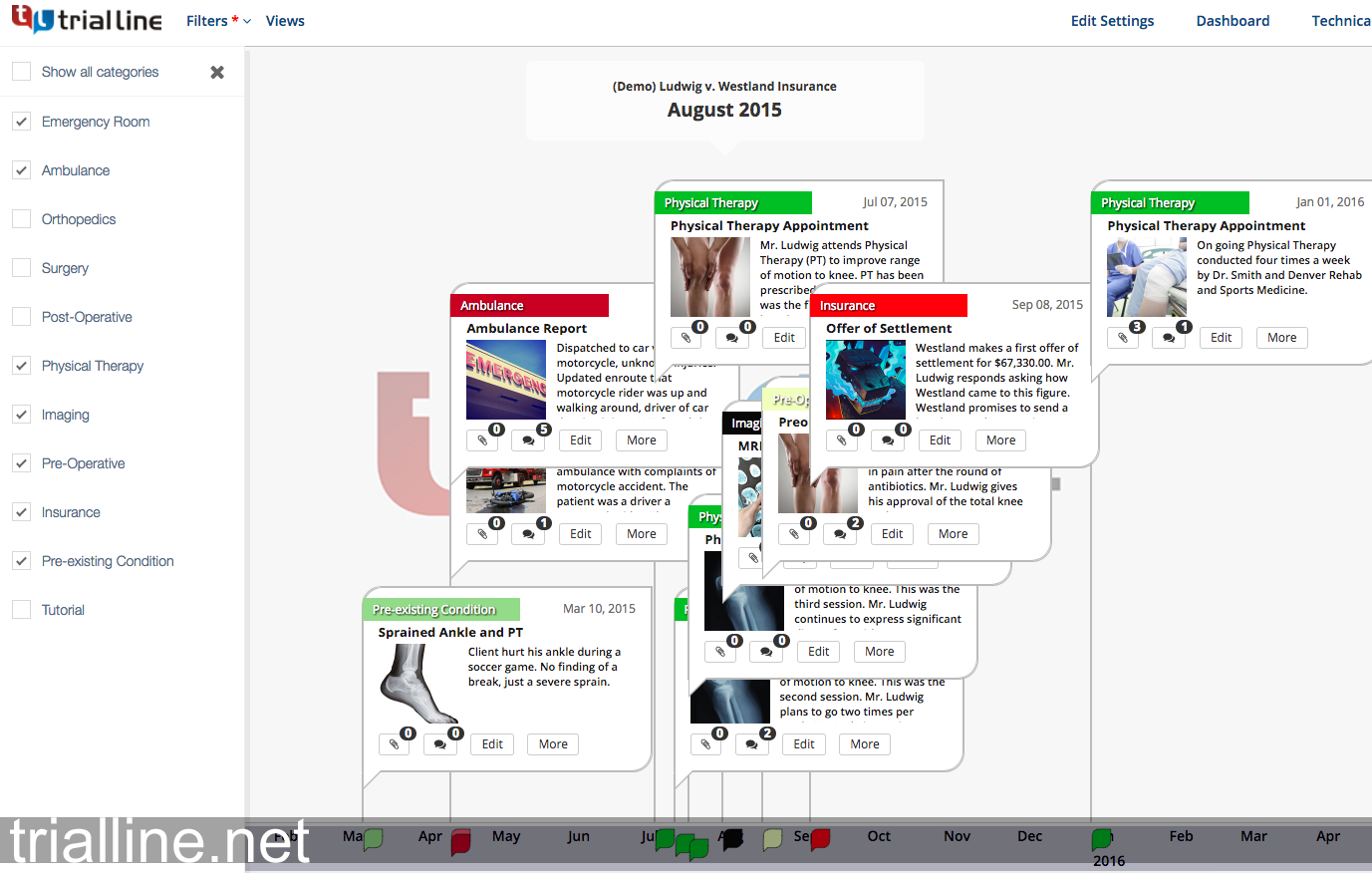
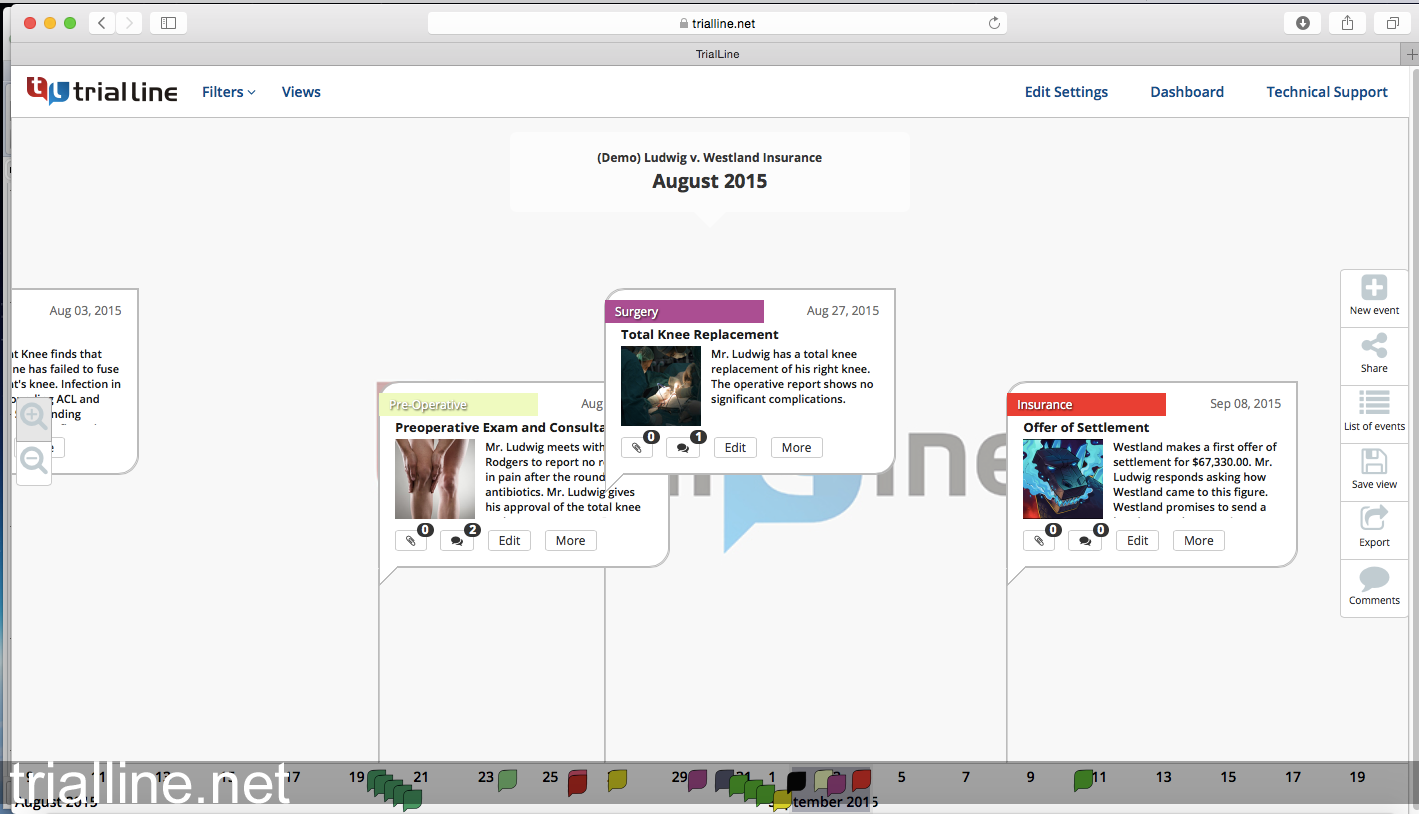
Properly constructed legal chronologies can truly bring all the building blocks of an attorney’s case into a single intuitive interface— facts, dates, times, evidence, actors and issues all come together. The best legal timeline software allows the attorney to sort by date and time, search for crucial facts, preview and annotate documents, quickly edit facts, and filter by contacts, issues and date range.