
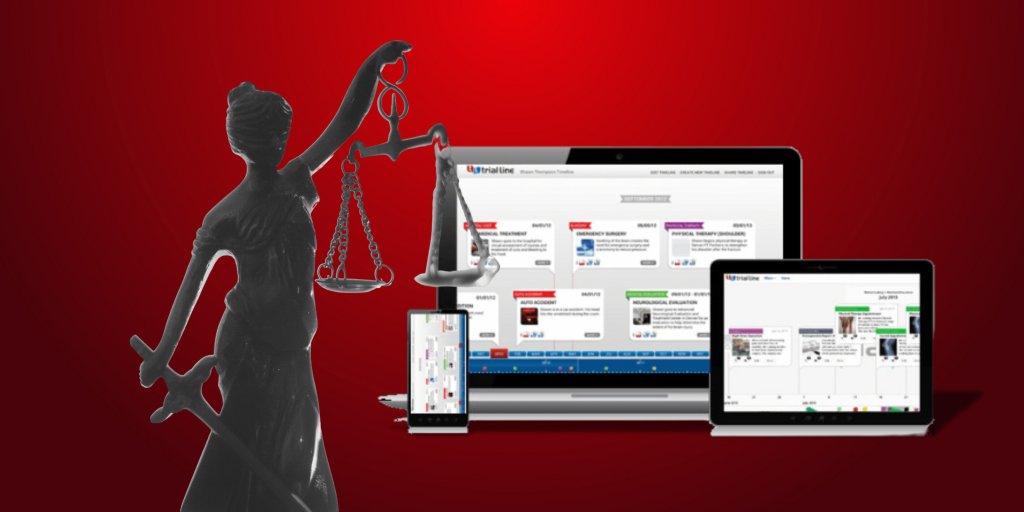

Better Outcomes With TrialLine Legal Case Timeline Template

case timeline software

A well-structured case timeline template helps law firms win more cases and attract clients. A clear legal timeline presents significant events in chronological order, making complex cases easier for jurors and stakeholders to understand. A strong legal timeline template organizes key dates, crucial facts, evidence, and documents, highlighting important witnesses and events for use in … Read more

How to Create Effective Trial Visuals for Your Next Case

Trial visuals and courtroom graphics can enhance your case and help you tell your client’s story in an interactive and captivating way. Creating a timeline is an effective way to do just that.

With TrialLine, you can organize your case data and maximize visuals at the same time. While most visual demonstrative evidence is expensive and time-consuming, TrialLine offers you a better way.

Read more

How to Create Events in TrialLine

Once you’ve created a new TrialLine, the next step is to start adding events to it. In this tutorial, we’ll show you how to create new events, explain what information can be included in each event, and also show you how to attach files and supporting documents directly to your events.

Read more

Linking to a Secondary TrialLine from Within a Primary TrialLine

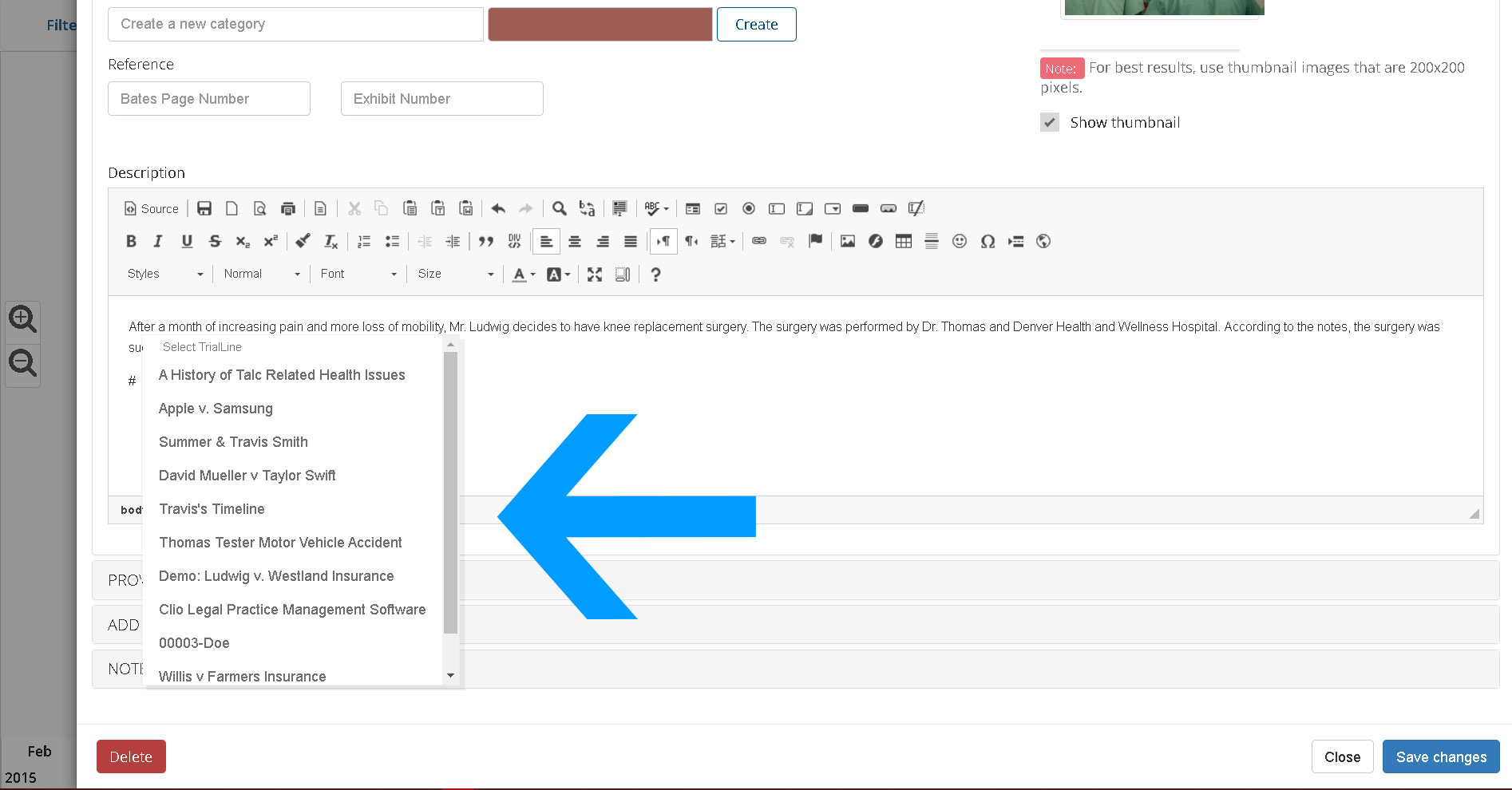
TrialLine users are able to link to secondary TrialLines in their accounts, from within a specific primary TrialLine.  This is helpful because it allows users to easily access information, documents and events on a secondary TrialLine that may be related to the primary TrialLine, but that covers a separate aspect of the case.

Read more