 As family law attorneys know all too well, once they and their clients enter the courtroom to litigate a divorce, the power moves out of their hands and into the court’s. The court will be the ones to make major decisions about that client’s family and future.
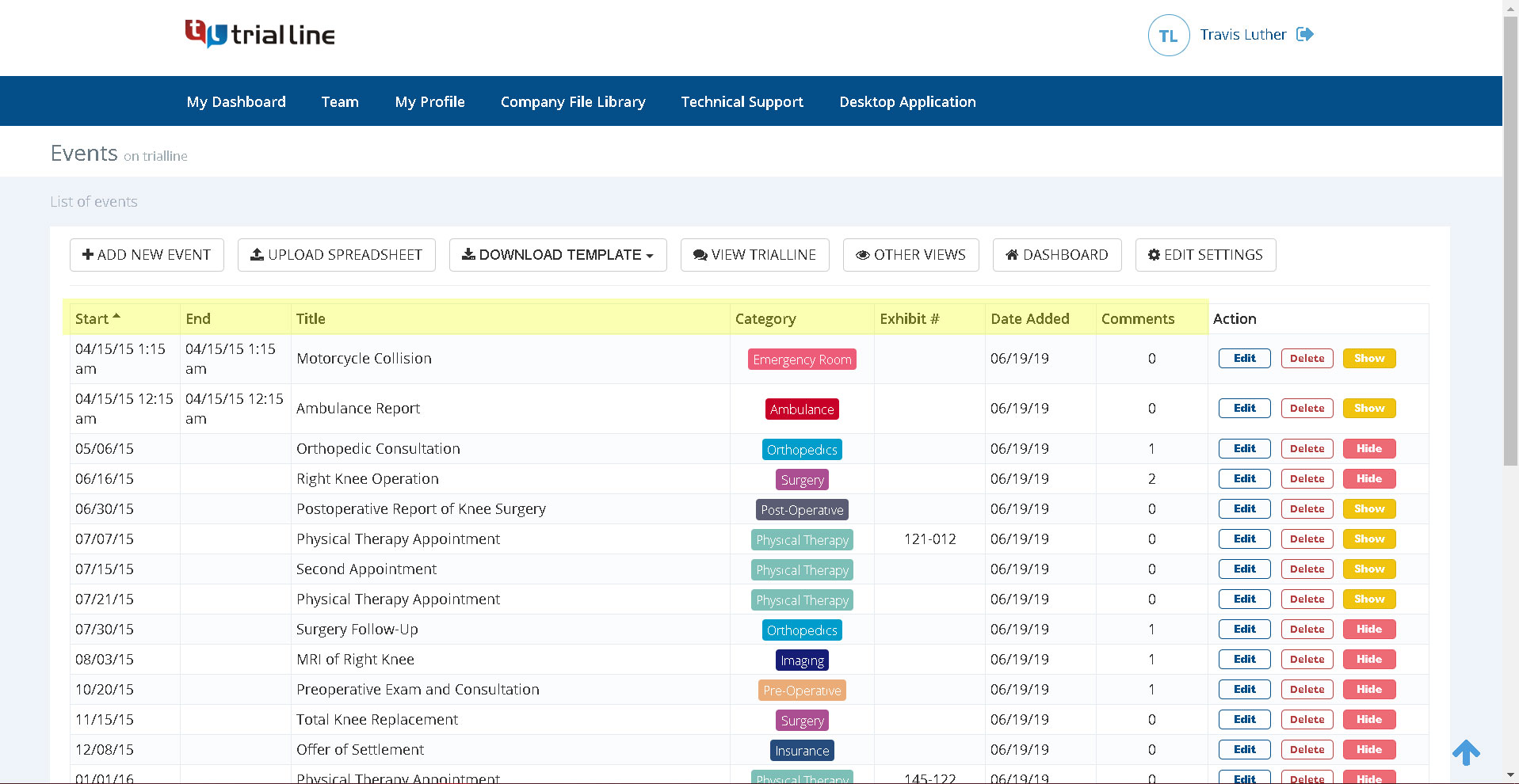
This can be a very daunting prospect in divorce cases because, as the old cliche goes, there’s two sides to every story. And if a relationship is ending in divorce, those two sides of the story are likely to be very contentious. Having to depend on a judge’s interpretation of two different stories can be an intimidating proposition, even for very experienced divorce attorneys, and this is when having a relationship timeline for your case can really mean the difference between a win and a loss for that client.
Read more